
Keep every job on a consistent surveillance plan.
Different layouts, different schedules. Give each site a clear monitoring plan and your team a consistent way to manage it.
- One standard
- Consistent setup
- Relocatable as jobs change
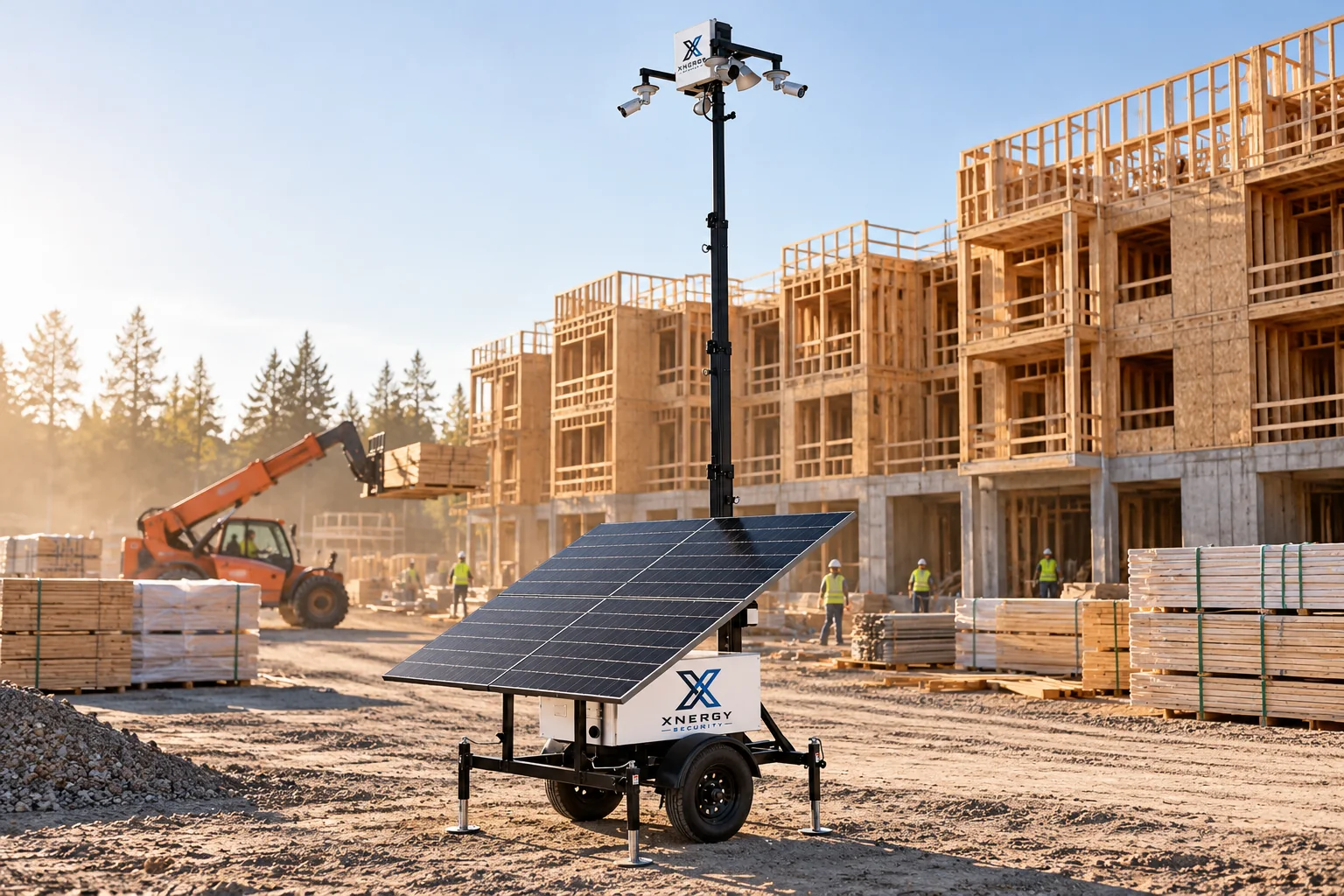
Hard to manage when every site does it differently.
Inconsistent records
When each site keeps its own logs, follow-up takes longer.
One problem can affect other jobs
Equipment and crews often move between jobs, so trouble on one site can throw off another.
Each site starts from scratch
Different vendors and call lists on each job take time to set up and learn.
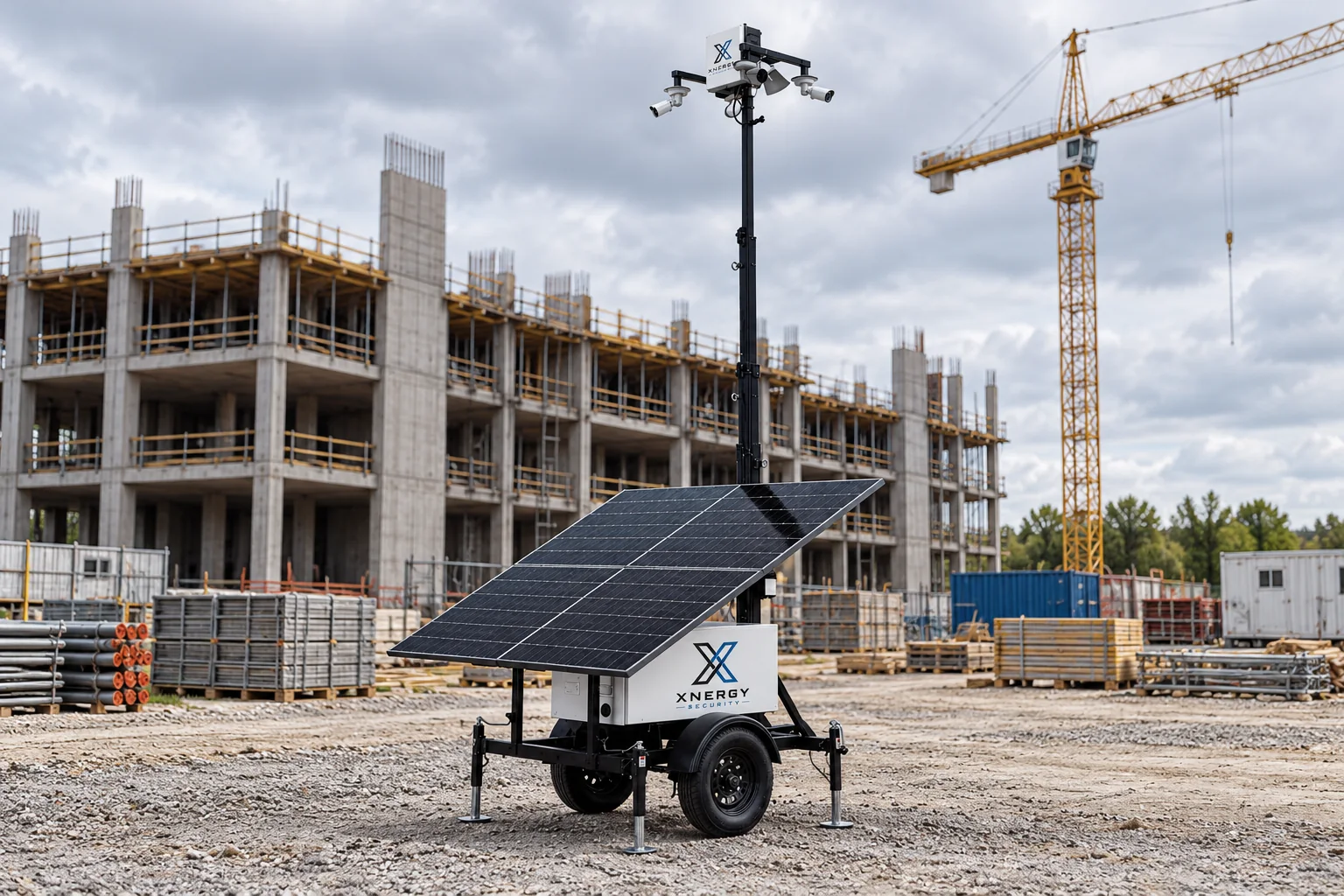
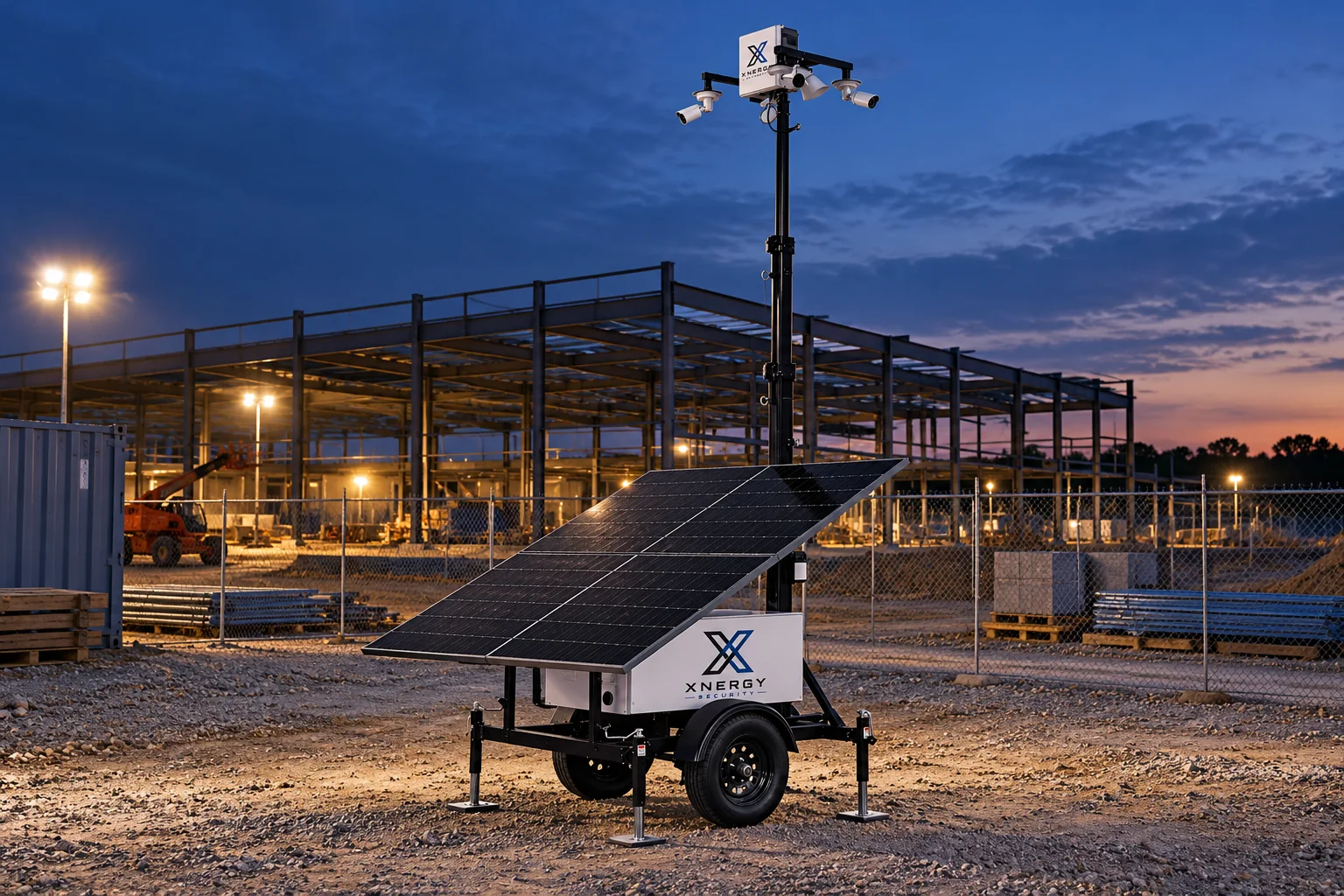
What happens when there is an alert?
- 01 - Detect
AI-assisted detection flags activity in the configured camera areas.
- 02 - Review
A monitoring operator reviews the alert with the available site context.
- 03 - Respond by voice and notification
Remote voice intervention and notifications follow the site protocol agreed with your team.
- 04 - Escalate
Your response plan lists who is contacted and when physical response is needed.
Set one standard across your jobs.
From one job to the next
Review new sites with the same checklist: access, equipment, monitoring hours and response contacts.
One setup to manage
Instead of different vendors and equipment on each site.
Help protect the schedule
Consistent overnight monitoring helps the next shift start with clear information.
Support for restricted areas
Configured alerts for restricted zones during the day can be set the same way on each site.
Video for follow-up
Recorded video can be reviewed when you need to document what happened.
Moves with your project pipeline
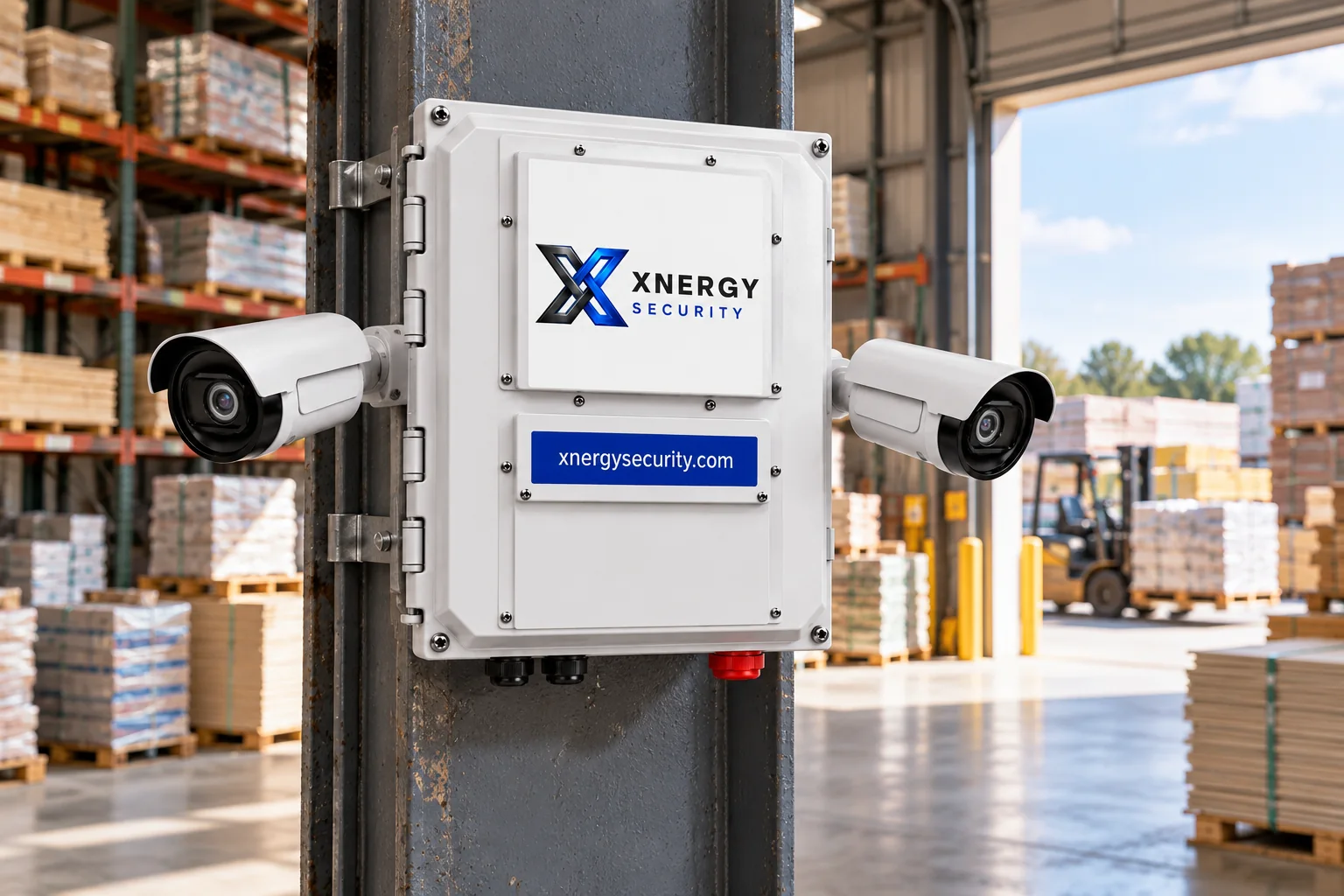
Mobile surveillance platforms can be relocated as jobs open and close, subject to assessment.
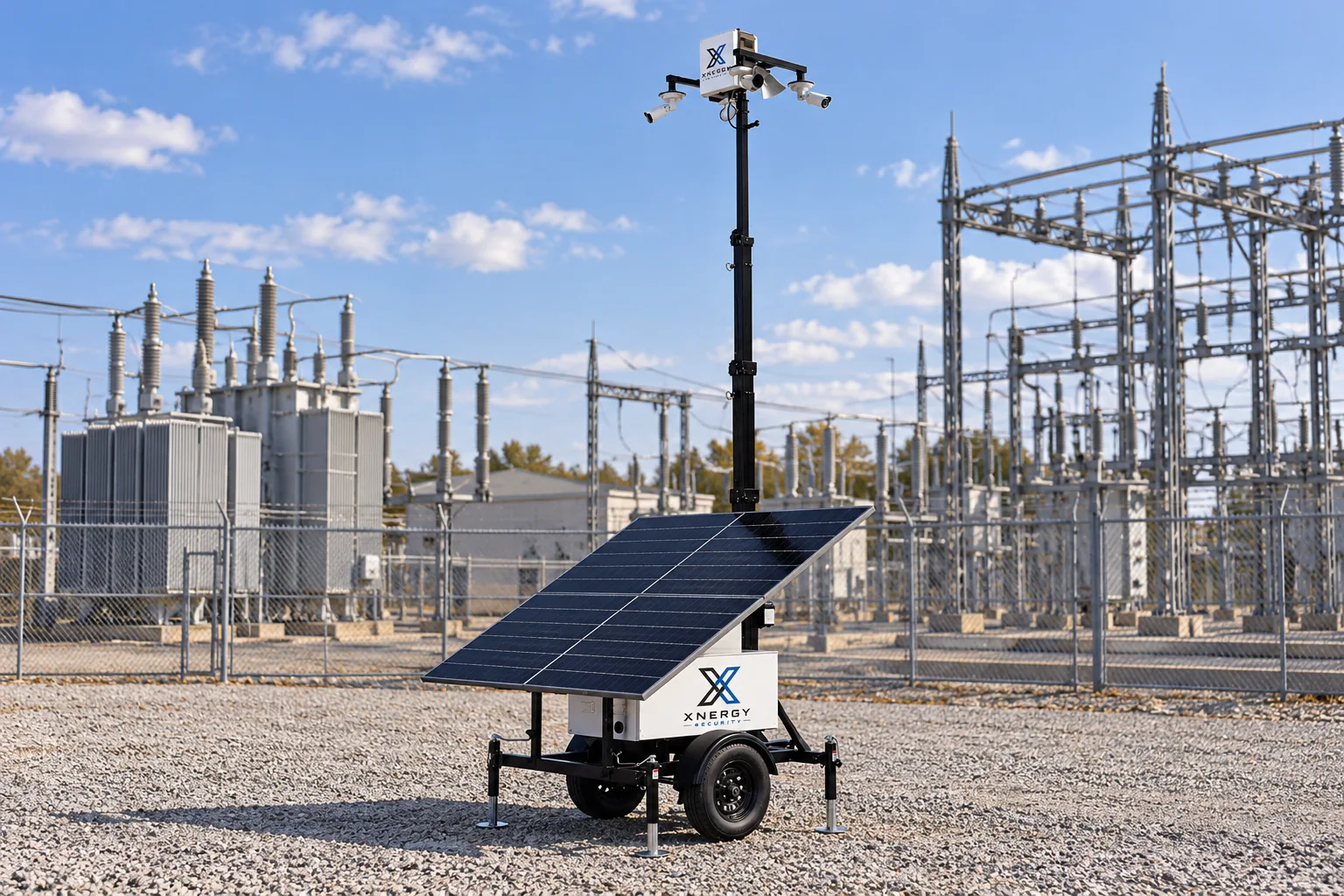

Look at security cost across the full portfolio.
Coverage often varies from job to job. Talk to the team about portfolio scope and pricing based on your sites.
Request a site assessmentCompare based on actual scope. Use your current guard schedule as a starting point to review camera placement, monitoring, and duties that still need someone on site.
Common questions from multi-site teams.
Answers to common questions about how Xnergy Security works.
The same type of system can be used across cities, with camera placement and call lists set per site.
Tell us who needs to see each site and who manages the portfolio. We’ll review viewing permissions and reporting options with you.
You can start mid-project. Many teams begin with the site that needs the most attention and add others after assessment.
Mobile surveillance platforms can be moved to your next job. Timing and placement are reviewed during the site assessment.
Talk to your insurer about what documentation they want. Reporting and footage retention options can be reviewed with the team.
Pricing depends on sites, units, and duration. Confirm scope, equipment options, and terms with the team.
Bring your list of active jobs.
- ✓ Your current scope, added up
- ✓ One portfolio scope and price to confirm
- ✓ Site assessment of layout and needs